From a Customer's Question to a Completed Action

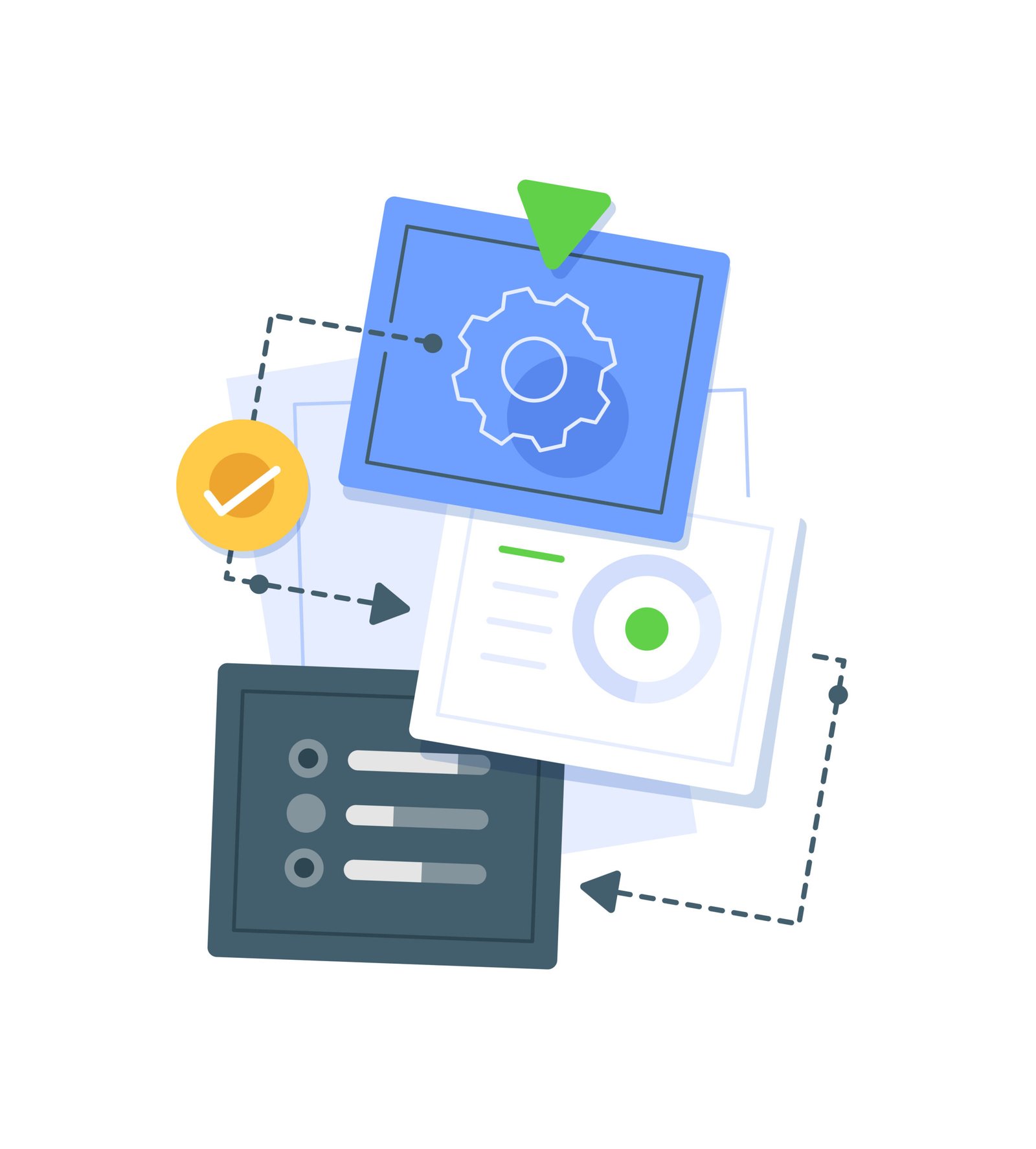
Set up SAIS in three steps: provide your knowledge, configure permitted actions and escalation rules, then deploy agents that capture leads and book appointments.

Three Steps to Get SAIS Live

Everything SAIS needs, you already have.
It's written in your documents and already in how your team works.

01

Educate It

What you do: Upload the material behind your answers, service and product information, policies, FAQs, pricing documents, procedures. These become the Knowledge Base Files SAIS answers from.

02

Configure It

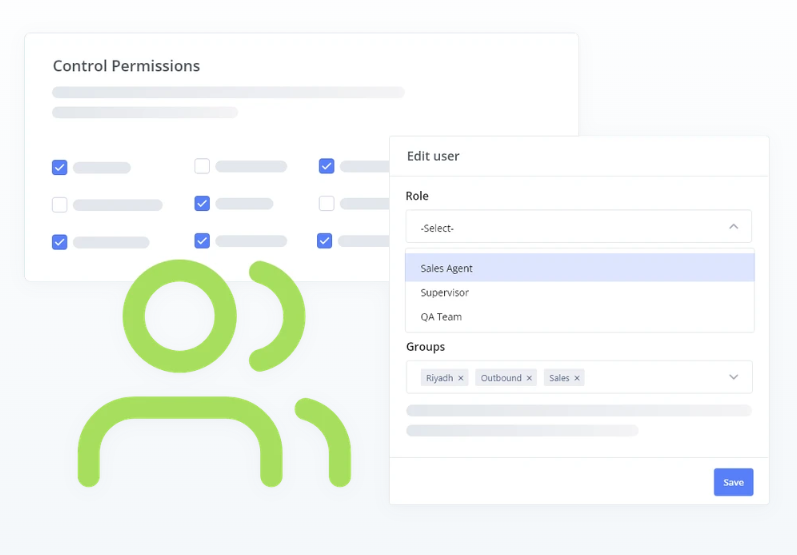
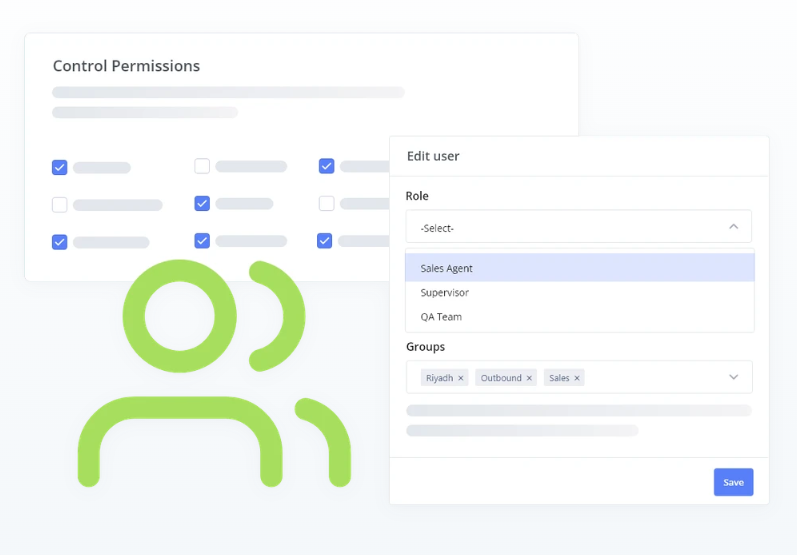
What you do: Decide what SAIS handles on its own, what it should ask for, and where it should stop. You set the forms, the appointment rules, the allowed actions, and when a conversation should reach a person.

03

Deploy It

What you do: Add SAIS to your own website with the Website Launcher and Website Embed Integration, using your own launcher icon so it looks like part of your business. Connect it to the CRM, S.M.A.R.T Desk and email your team already works in.

"Acts" Is Not a Figure of Speech

Each one below is a configured action SAIS can complete inside the conversation and each one is logged when it does.

01

Book the appointment

Availability is checked against your appointment rules, real times are offered, and the booking is confirmed inside the conversation instead of in a callback.

02

Create the lead

What the customer shared becomes a CRM lead automatically, assigned to an owner by your own rules, while their interest is still live.

03

Send the email

Confirmations, acknowledgements and internal alerts go out through your own email setup.

04

Take them to the right page

SAIS sends the customer straight to the payment, application or information page they need.
05

Start the order

A customer who says they want to buy is moved into the order workflow you configured, in the same conversation.

06

Verify the customer

Where an action shouldn't happen for an unverified person, a one-time passcode step confirms who they are before it runs.

07

Move it to the right place

A request that belongs to another team or another agent experience is routed there.

08

Hand it to a person

When a case falls outside what you want handled automatically, it goes to a human destination, with the conversation available to whoever takes it.

You Decide What It Knows and What It Does

Four things stay yours. Everything SAIS does happens inside them.

Your knowledge

SAIS answers from the files you uploaded and approved.

Your rules

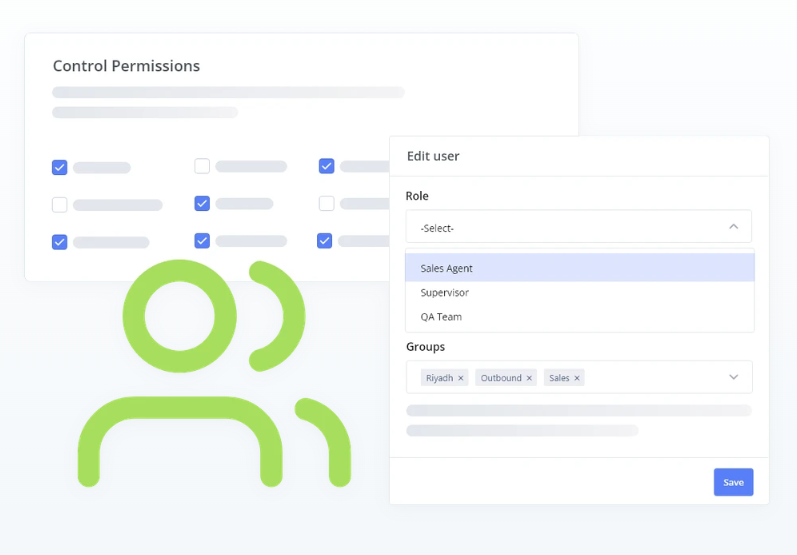
Which actions exist, when a booking is allowed, what a form must collect — you configure them, and SAIS selects from what you set up.

Your limits on context

You choose how much SAIS is given to work with, from running with no customer or system context at all through to approved context from your site.

Your escalation point

You define where the AI stops and a person takes over, so escalation follows a consistent rule.

Ready to stop missing customers?

Every day without SAIS is another day of missed inquiries, slow responses, and manual work your team shouldn't be doing.. Let's fix that